Import
Pick the video from Photos or Files, even from iCloud or an external drive, and the GPX track of the outing.
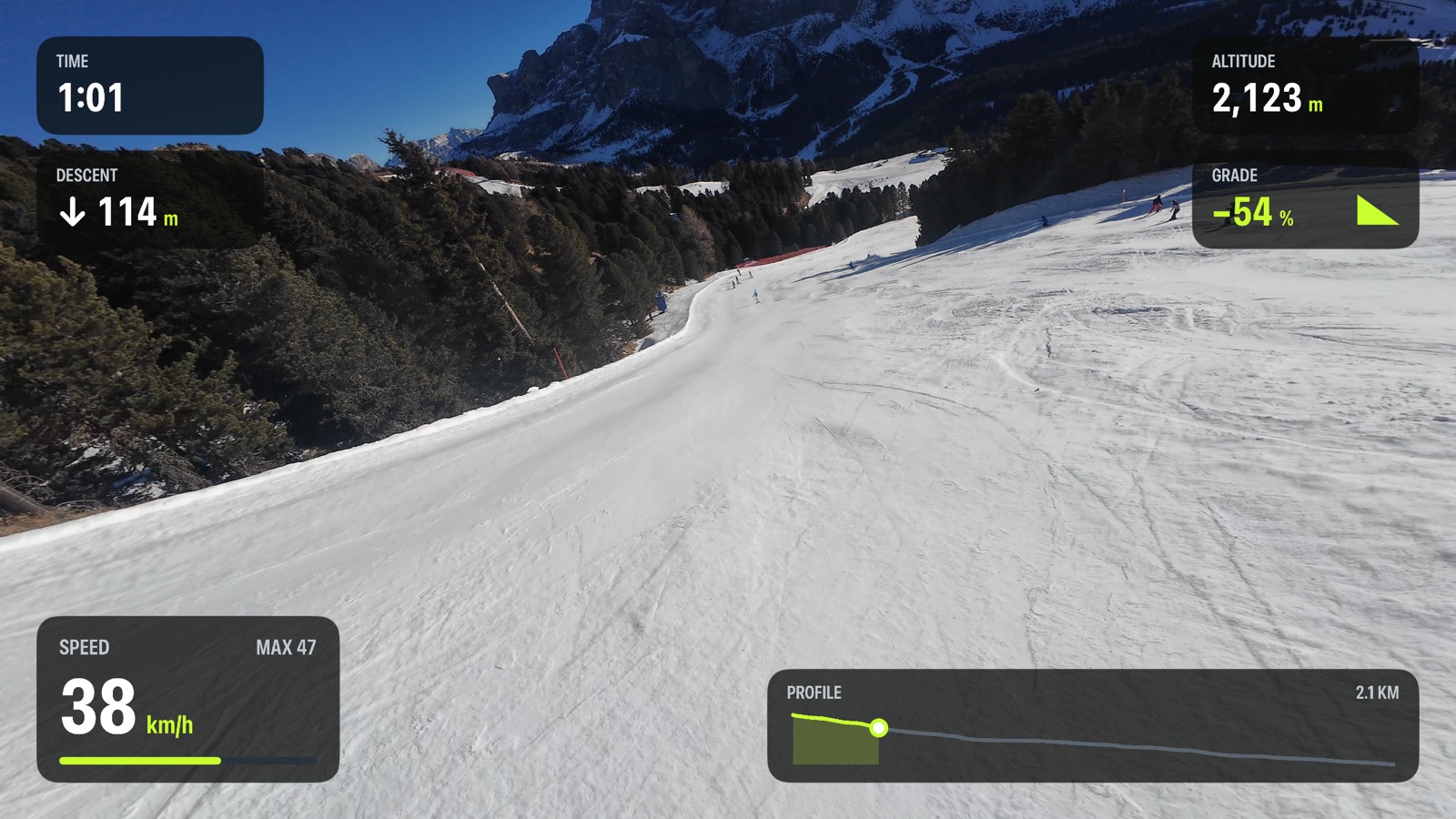
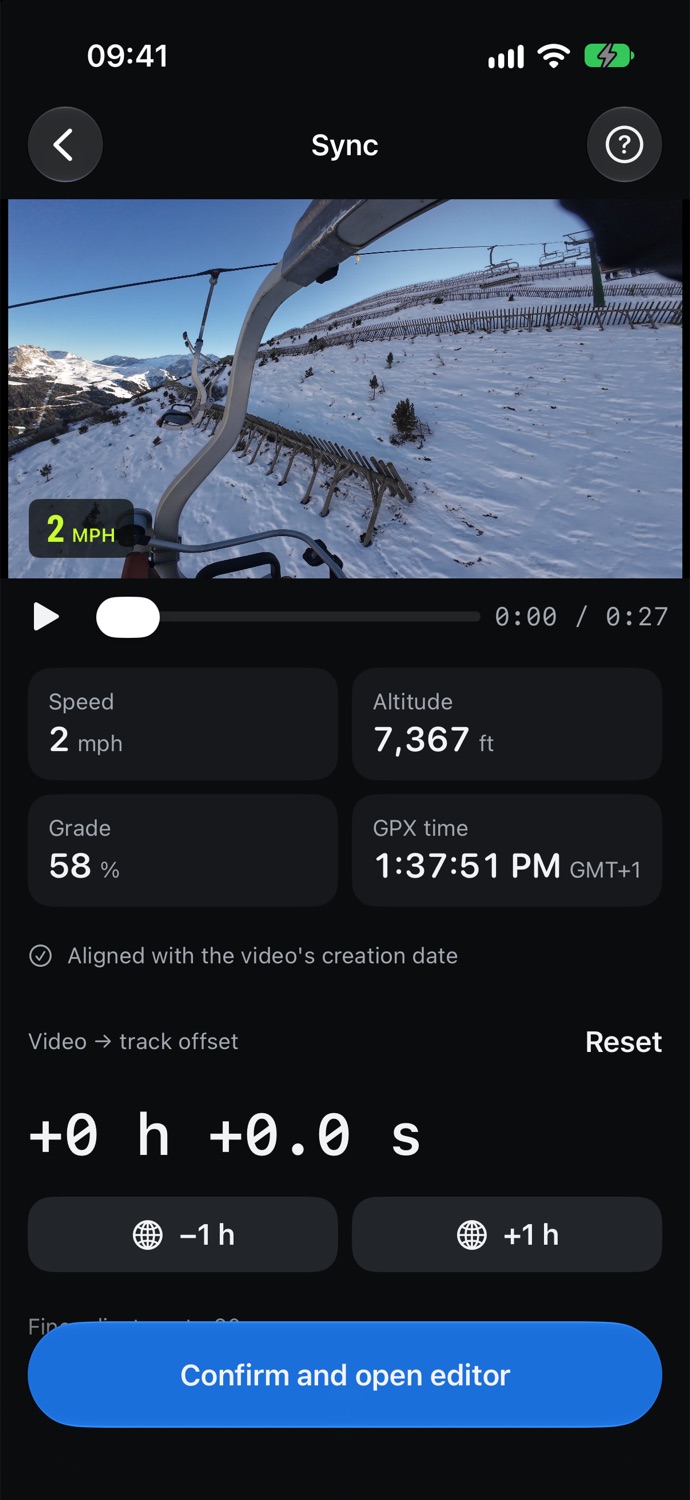
Import the video and the GPX track from the same outing. TrackFrame syncs them automatically and puts speed, altitude, grade and profile right on your footage.
Works with tracks from
and with video from iPhone, GoPro, DJI, Insta360 and any action cam
How it works
Pick the video from Photos or Files, even from iCloud or an external drive, and the GPX track of the outing.
TrackFrame uses the video's recording time to line it up with the track, and fixes the wrong time zone action cams often save. Fine-tune to a tenth of a second if needed.
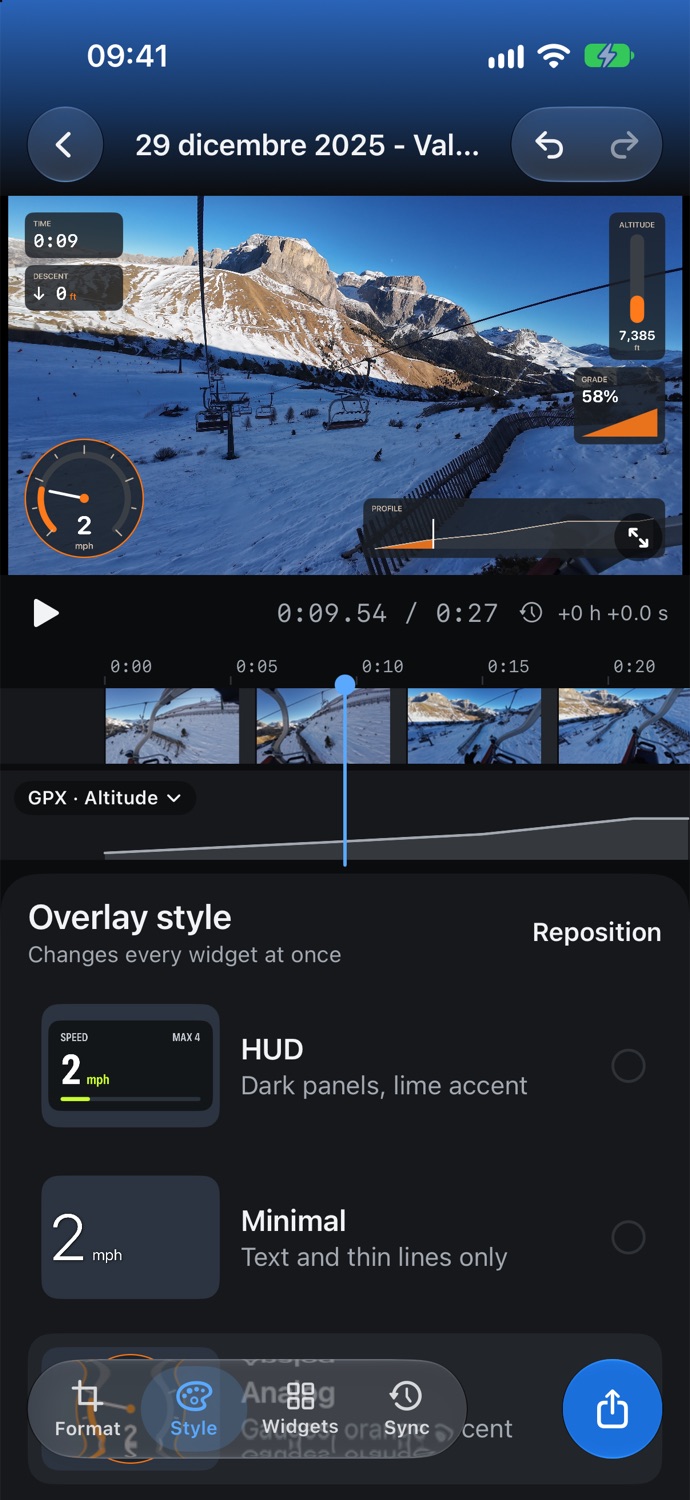
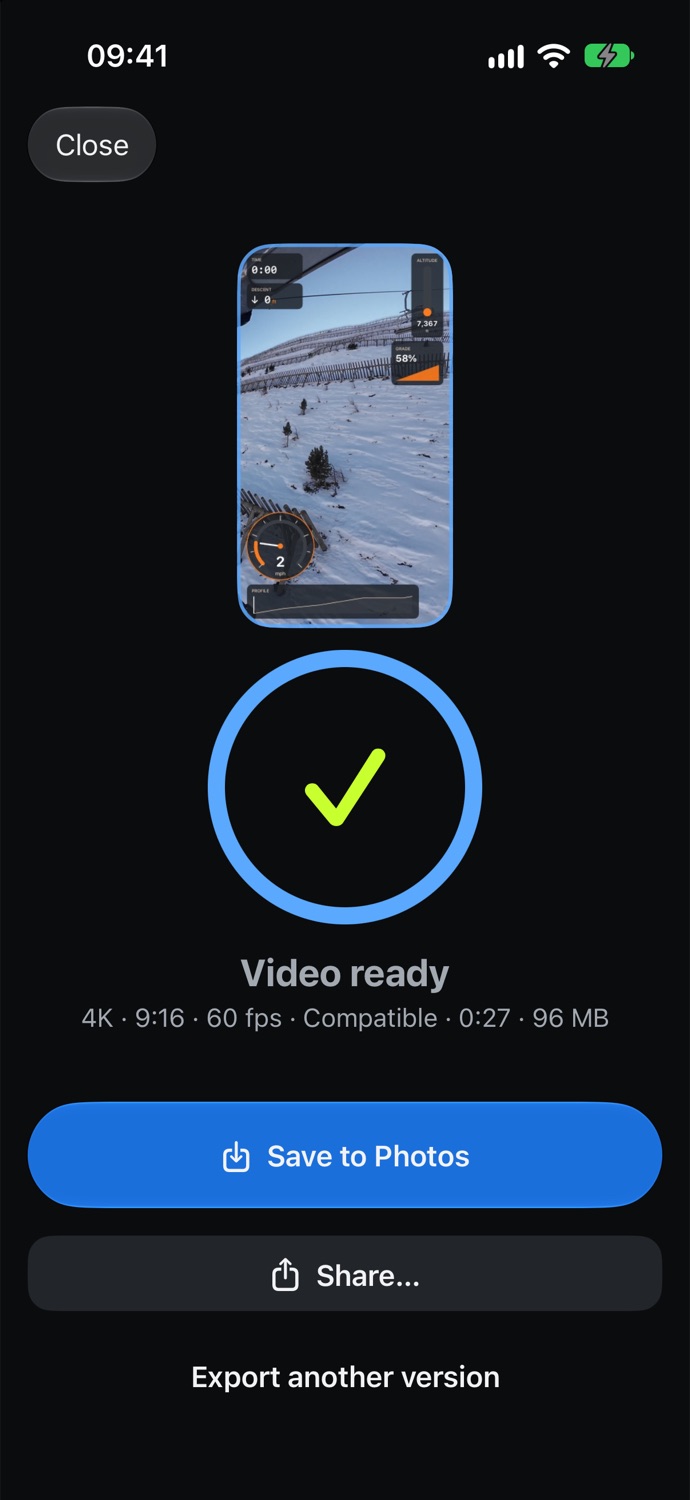
Choose a style, widgets and format, then export up to 4K. Save to Photos or share straight to social media.
Overlay styles
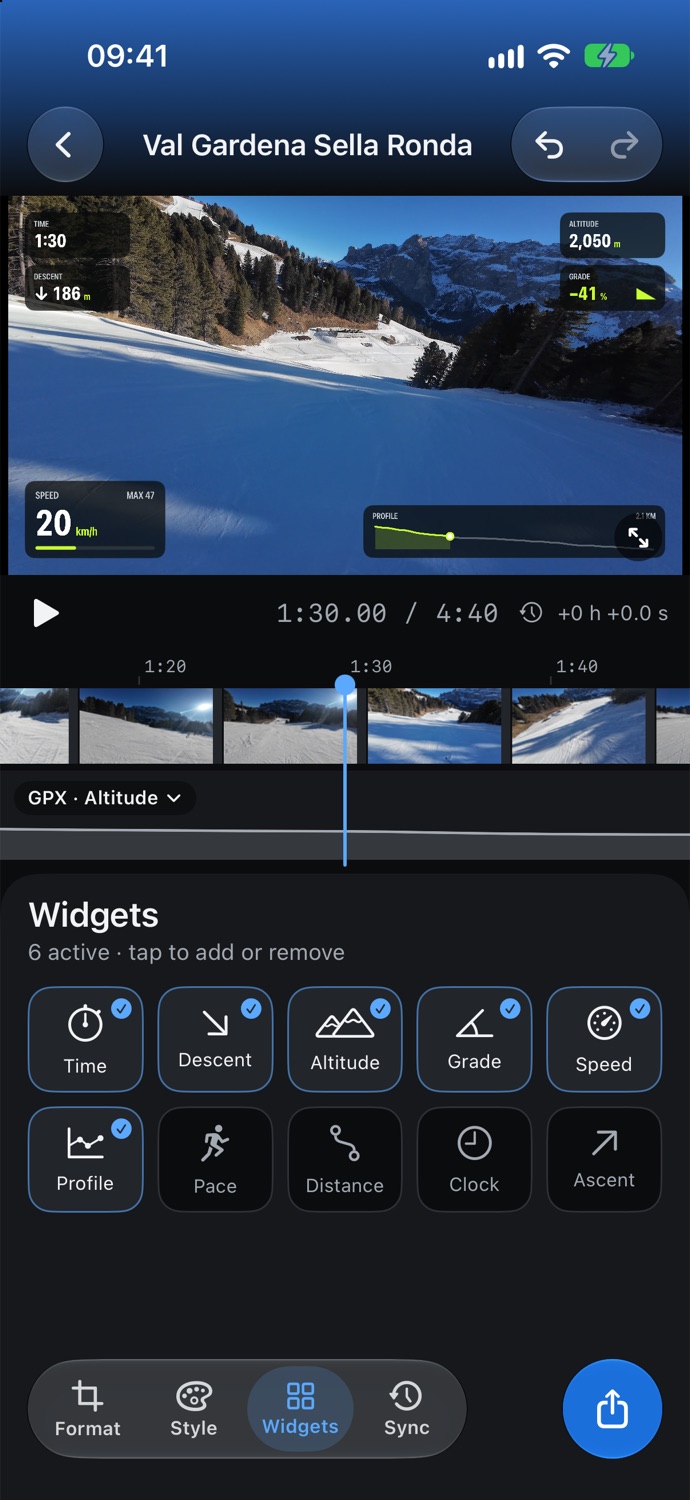
Every widget can be moved, resized and recolored. The style changes them all at once.
Editor
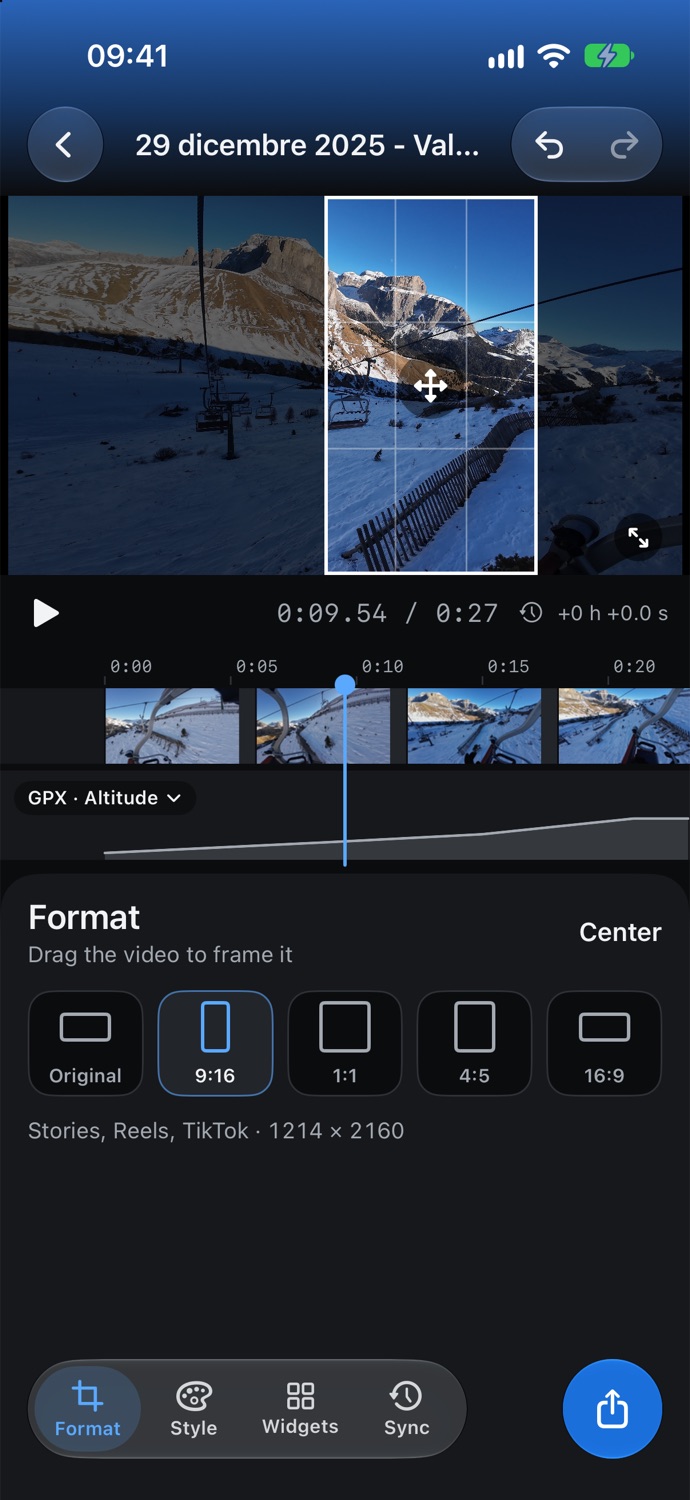
Format
Honest stats
And more
Spots recording times saved in the wrong time zone and lines them up for you.
Hardware-accelerated HEVC up to 4K 60 fps, with progress and time left.
See the final result before you export it.
No account, no uploads: videos and tracks never leave your iPhone.
Half-folded like a stand: video on top, controls below.
The app and the overlays follow your phone's language.
A clean dark interface, built around your video.
Tracks from any app or device, multiple segments included.
Screens
FAQ
Most tracking apps export one: Strava, Garmin Connect, Slopes, Komoot, Suunto, Coros and many more. For Apple Watch workouts, an app like HealthFit or RunGap can export them.
Yes. TrackFrame reads the recording time stored in the video. Many action cams save it in the wrong time zone: the app notices and fixes it, and you can always fine-tune by hand.
No. Everything happens on your iPhone: no account, no servers, no tracking.
Speed, pace, distance, time, clock, altitude, grade, ascent, descent and elevation profile.
Yes: with the Format tool, choose 9:16, 1:1, 4:5 or 16:9 and drag the crop wherever you want.

TrackFrame is coming soon to the App Store for iPhone.